How to Run Your Own AI Agent on Cloudflare for $5 (No Servers Required)
Key Takeaways
Let’s be real: paying $20/month for every AI tool adds up fast. But what if you could run your own powerful, personalized AI assistant for just $5 a month?
That’s exactly what OpenClaw (formerly Moltbot) allows you to do. It’s an open-source AI agent that runs entirely on Cloudflare Workers. It’s fast, it’s private, and you own the data. Best of all, you don’t need to manage a bulky server—Cloudflare’s edge network handles everything.
Whether you prefer clicking buttons (No-Code) or typing commands (Code), I’ve got you covered. Here is the complete guide to setting it up.
🛠 The Essentials (You need these first)
Before we start, make sure you have:
- A Cloudflare Account: You’ll need the Workers Paid Plan ($5/mo). The free tier won't cut it because the AI container needs a bit more juice (CPU limits).
- An Anthropic API Key: This is the "brain." Get it from Anthropic’s console.
- Git Account: (GitHub or GitLab) to save your worker's code.
🛣️ Choose Your Path
Best if you want to get up and running in 5 minutes without touching a terminal.
1. The One-Click Deploy
Click the button below to instantly clone the project into your Cloudflare account.

Follow the prompts to connect your GitHub account and click "Save and Deploy."
(Note: The first deploy might show an error. Relax, that’s normal—we haven’t given it the passwords yet!)
2. Add Your Secrets
Go to your Cloudflare Dashboard, find your new Worker (usually named moltworker), and navigate to Settings → Variables and Secrets.
Click Add and input these:
ANTHROPIC_API_KEY: Your key starting withsk-ant....MOLTBOT_GATEWAY_TOKEN: A made-up password (long and random!) that you will use to log in.
3. Add Storage (Don't let it get amnesia)
To make sure your bot remembers chats after a restart:
- Go to R2 on the left sidebar and create a bucket named
moltbot-data. - Back in your Worker’s Settings → Variables and Secrets, scroll to R2 Bucket Bindings.
- Click Add Binding. Name the variable
BUCKETand select yourmoltbot-databucket.
4. Redeploy
Go to the Deployments tab and click Redeploy to save your changes.
Best if you love the terminal and want full control.
1. Clone the Repo
Fire up your terminal and grab the code:
git clone https://github.com/cloudflare/moltworker.git
cd moltworker
npm install
2. Set Your Secrets
Instead of the dashboard, we use wrangler to securely upload your keys.
# 1. The Brain
npx wrangler secret put ANTHROPIC_API_KEY
# (Paste your key when prompted)

# 2. The Gatekeeper (Generate a random token)
openssl rand -hex 32
# Copy this output!
npx wrangler secret put MOLTBOT_GATEWAY_TOKEN
# (Paste the token you just generated)
3. Deploy
Push it live!
npm run deploy
🔒 The Critical Step: Security (Both Paths)
This is where most people get stuck, so read carefully! We need to lock the admin panel (/_admin) so random bots don’t hijack your agent. We use Cloudflare Access (Zero Trust) for this.
-
Enable Access:
- Go to your Worker → Settings → Domains & Routes.
- Find the
workers.devsection and click Enable Cloudflare Access. - Follow the prompts to create a "Team" if you haven't already.
-
Get the Keys:
Once enabled, you will see an Audience Tag (AUD) on that screen. COPY IT.
You also need your Team Domain (e.g.,my-team.cloudflareaccess.com), found in the Zero Trust Dashboard (Settings→Custom Pages). -
Update the Worker:
- No-Code Users: Go back to Settings → Variables and add two new secrets:
CF_ACCESS_AUDandCF_ACCESS_TEAM_DOMAIN. - CLI Users: Run:
npx wrangler secret put CF_ACCESS_AUD
npx wrangler secret put CF_ACCESS_TEAM_DOMAIN
- No-Code Users: Go back to Settings → Variables and add two new secrets:
-
Final Redeploy: Hit deploy one last time to lock everything down.
🚀 Launch Time
You’re done! Here is how to access your new AI employee.
-
Construct your URL:
It will look like this:
https://your-worker-name.your-subdomain.workers.dev/?token=YOUR_GATEWAY_TOKEN
(ReplaceYOUR_GATEWAY_TOKENwith that long random password you created earlier). -
Log In:
You’ll be hit with a Cloudflare Access screen. Enter your email, get the code, and you’re in. -
Pair Devices:

Want to connect a terminal or a different browser? Go tohttps://.../workers.dev/_adminto approve new devices.
💡 Pro Tips for a Smooth Ride
- Cold Starts: If the page hangs for ~30 seconds the first time, don't panic. The container is just waking up.
- Cost Control: This runs on the $5 Workers plan, but R2 storage and AI usage might add pennies. It’s still cheaper than a $20 subscription!
- Custom Domain: Use the "Triggers" tab in Cloudflare to connect
ai.yourdomain.comfor a more professional feel.

Happy building! 🛠️
Vibe Code to Glory - Side Projects 2026
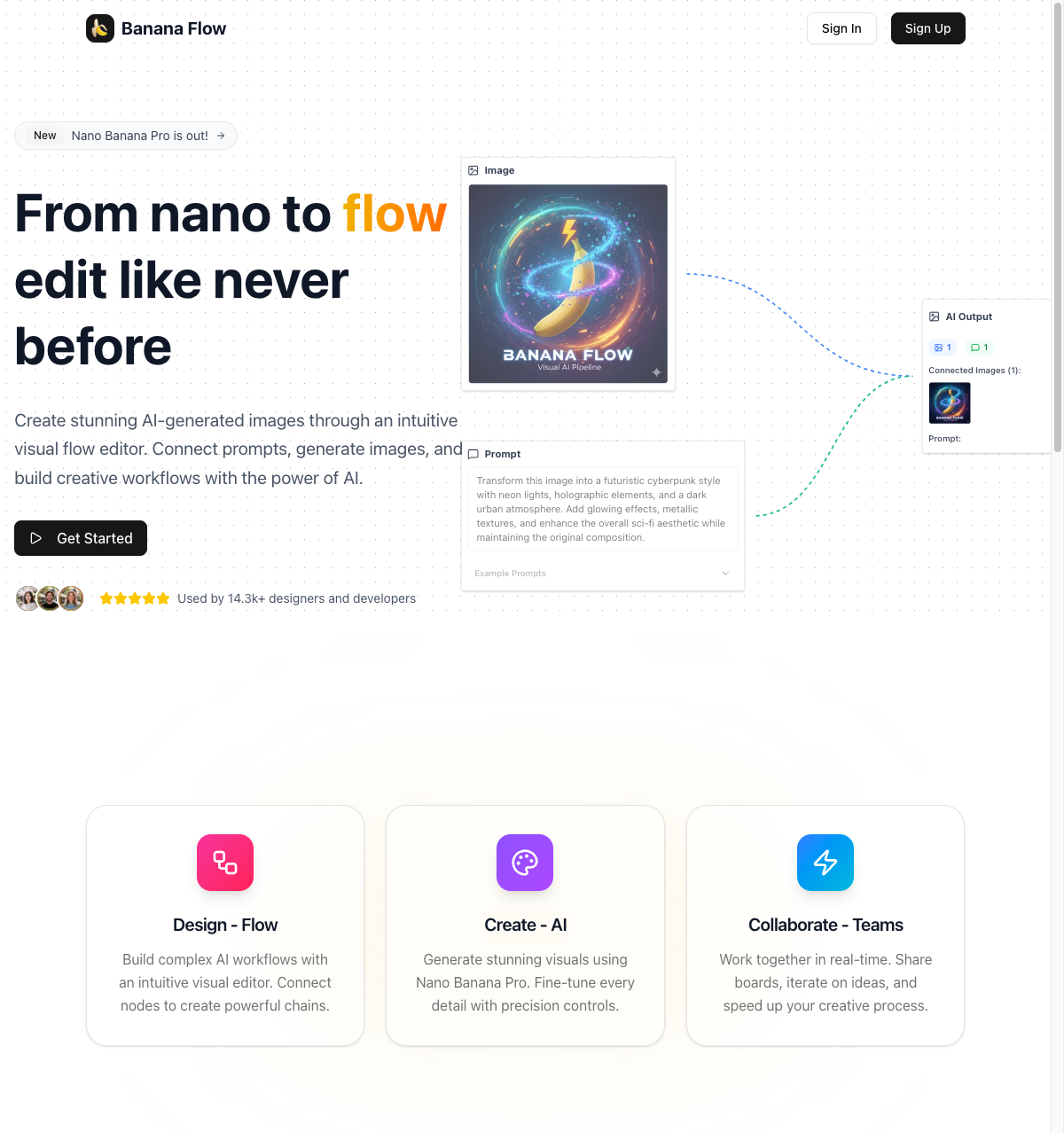
AI Banana Flow
Web
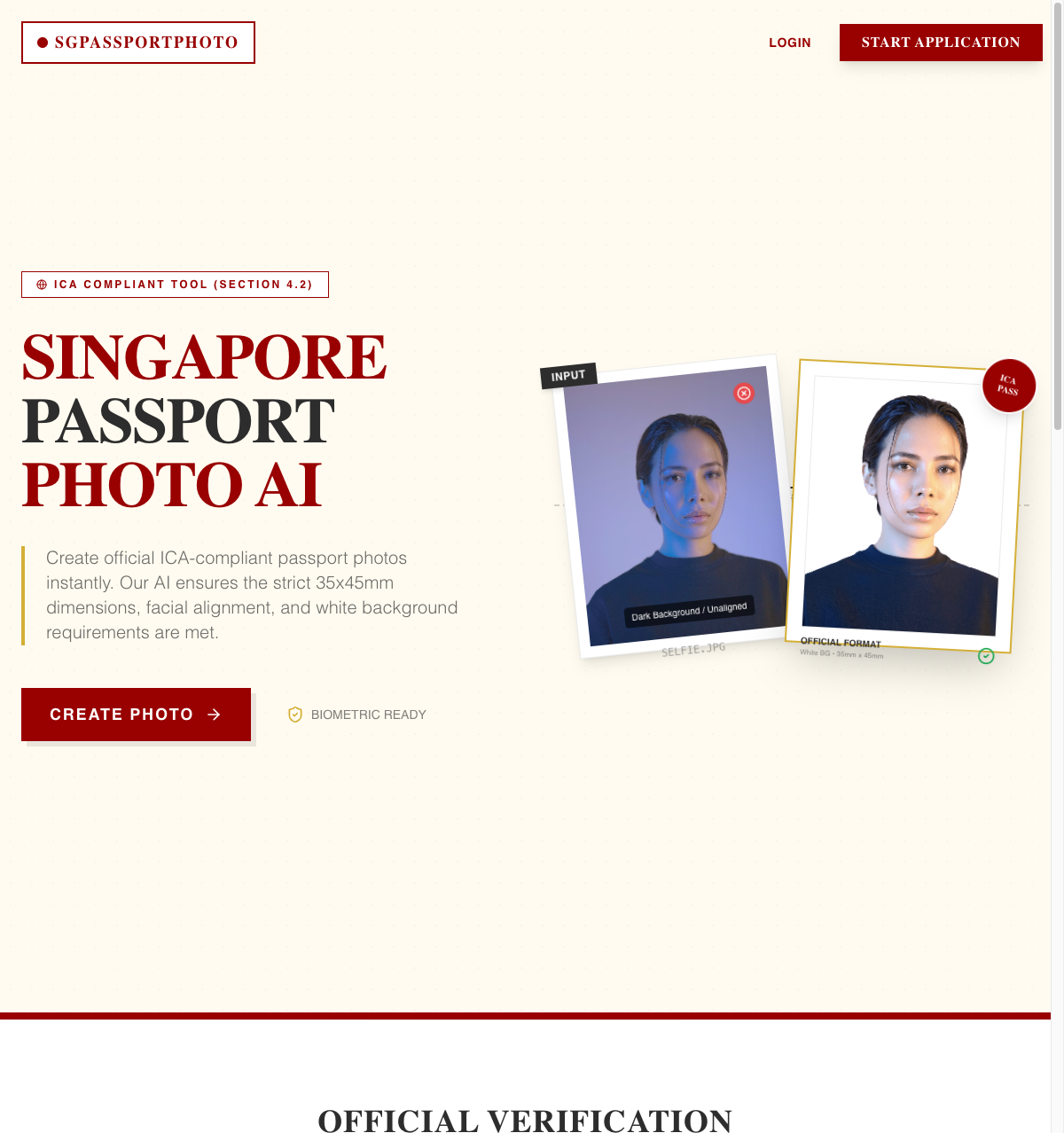
SG Passport Photo
Web
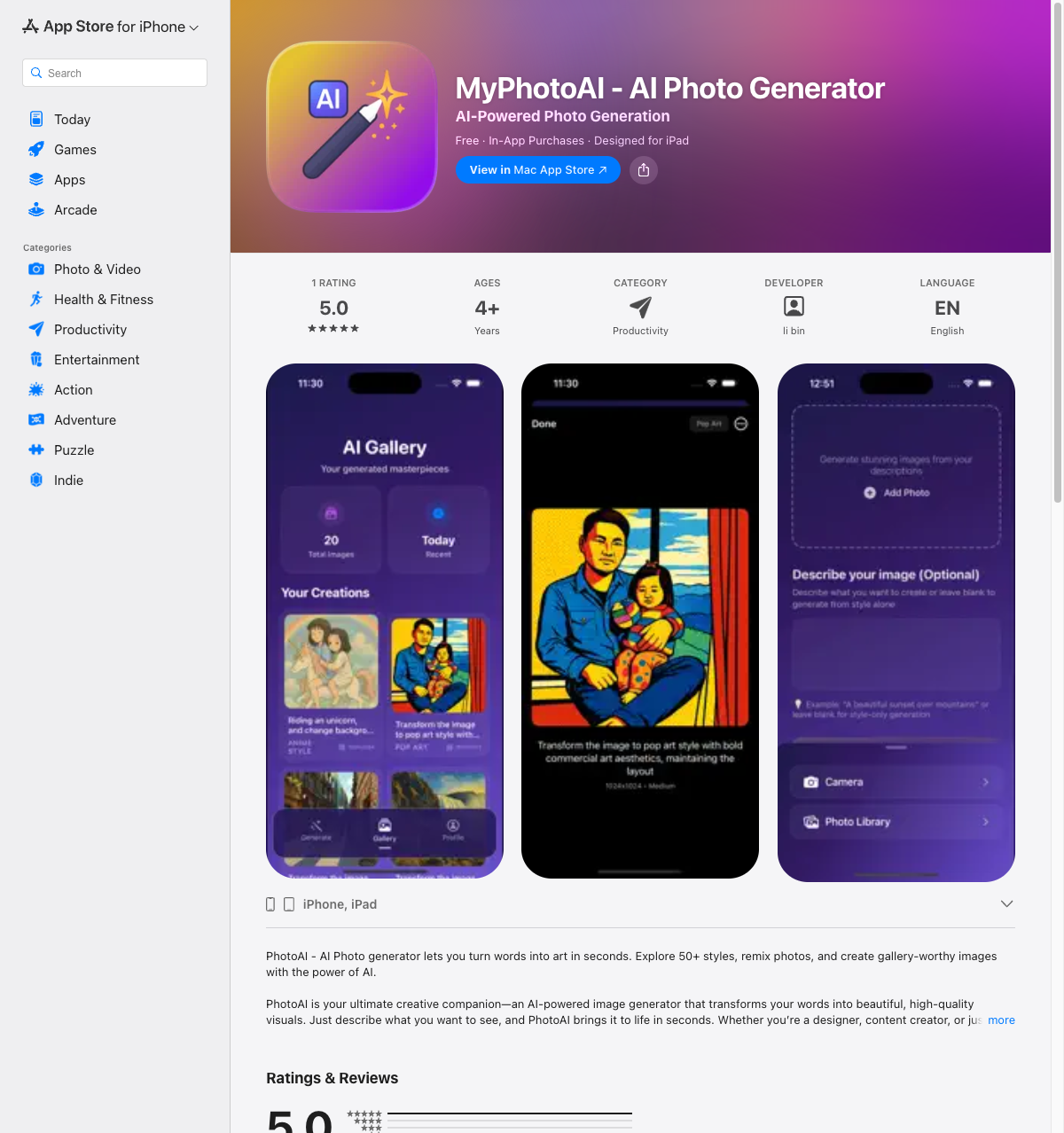
MyPhotoAI
iOS
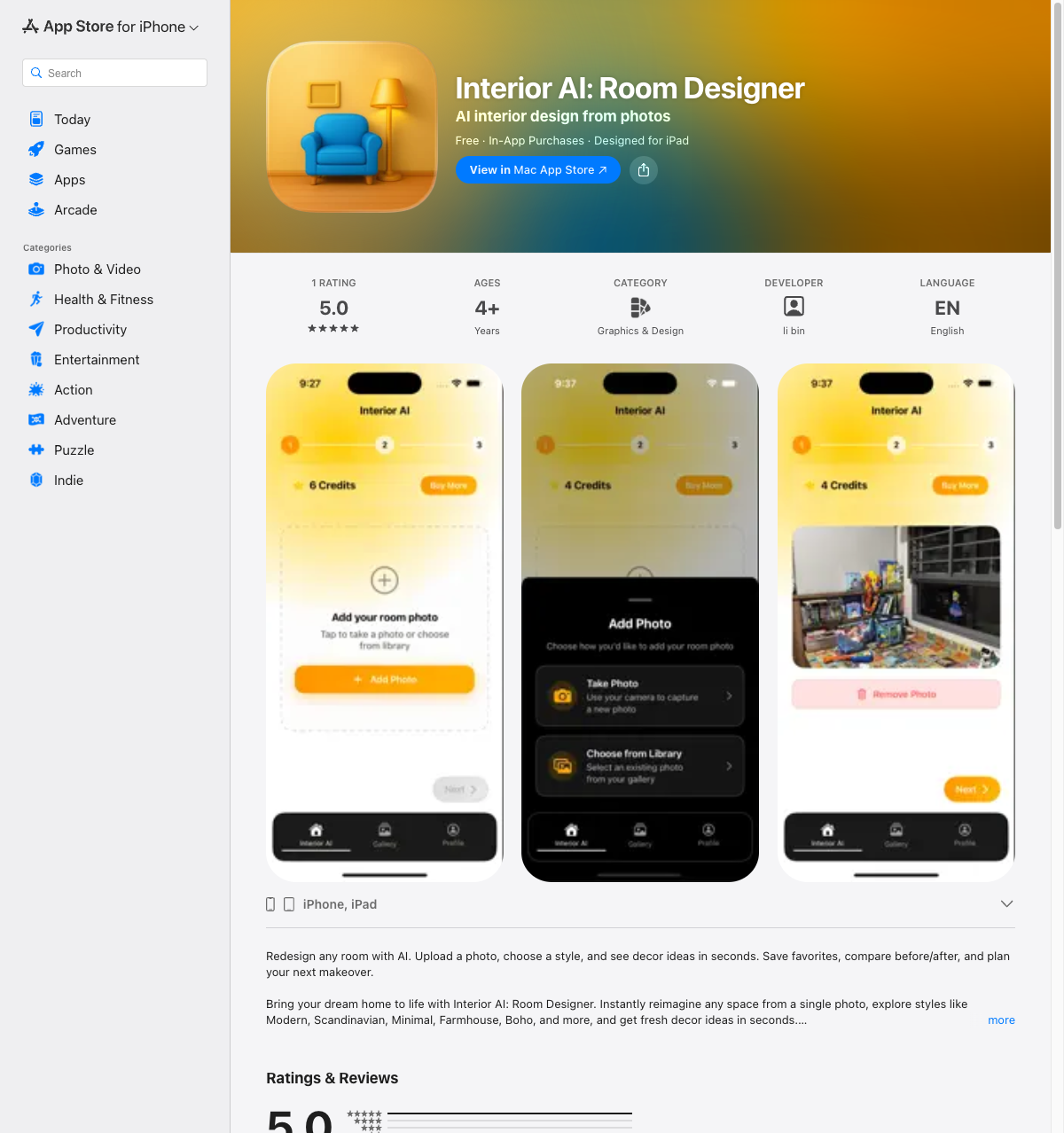
Interior AI: Room Designer
iOS